
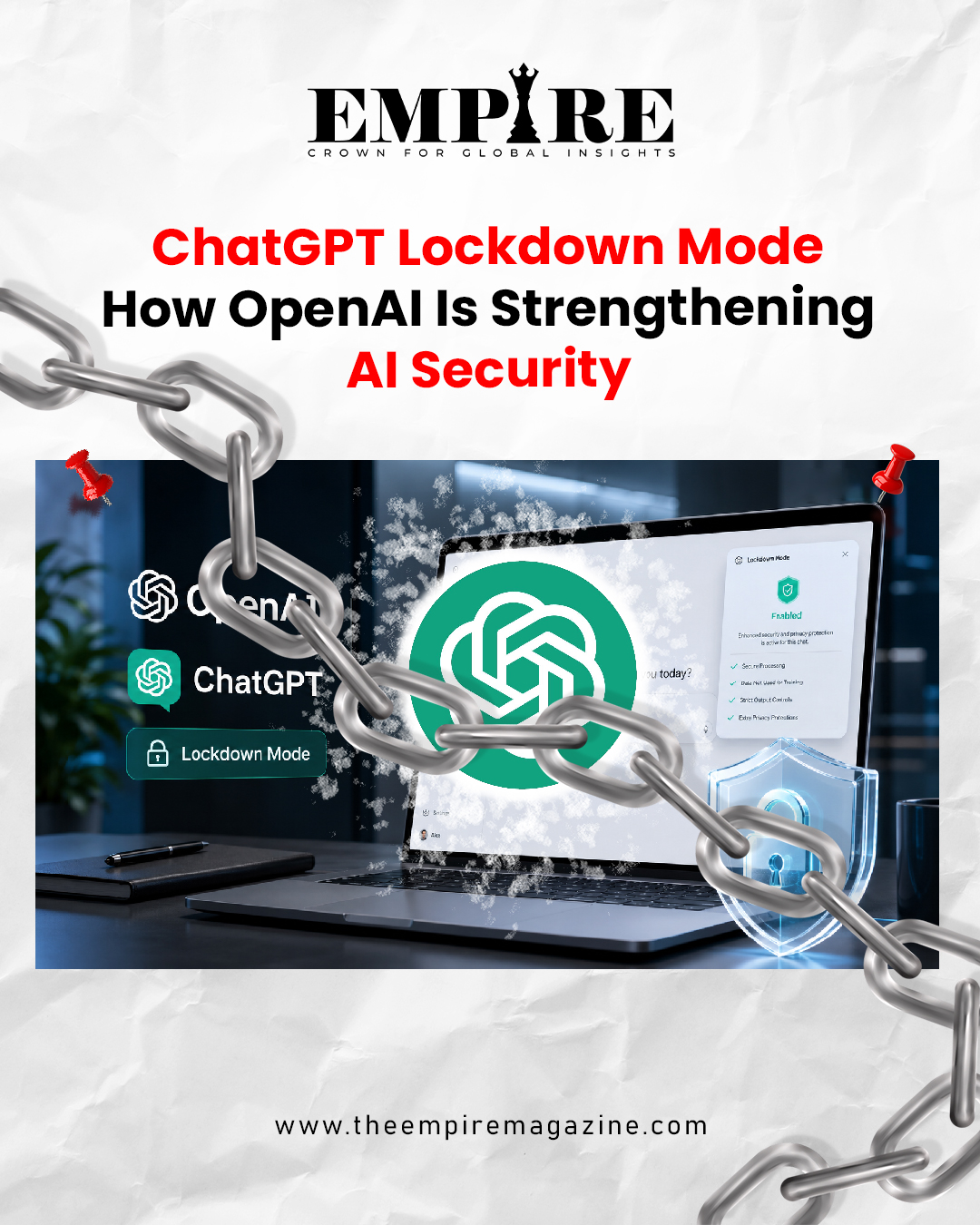
ChatGPT Lockdown Mode is OpenAI’s new security-focused feature designed to give users and organisations extra protection when working with sensitive information. The feature aims to reduce the risk of prompt injection attacks, a growing concern as AI assistants become more connected to websites, files, tools, apps, and external data sources.
OpenAI has introduced Lockdown Mode for users who want a more conservative ChatGPT experience. The setting disables or restricts several internet-connected capabilities, including live web browsing, Deep Research, Agent Mode, file downloads, and some web-derived image support. By limiting access to external sources and connected tools, OpenAI is trying to reduce the pathways through which hidden malicious instructions can influence ChatGPT’s responses or actions.
The feature is especially relevant for businesses, professionals, researchers, and teams that regularly work with confidential material. While Lockdown Mode does not remove every possible risk, it gives users stronger controls when they want to reduce exposure to prompt injection and data-exfiltration threats.
ChatGPT Lockdown Mode and the Rise of Prompt Injection Risks
ChatGPT Lockdown Mode comes at a time when prompt injection has become one of the most important security concerns in artificial intelligence. A prompt injection attack happens when malicious instructions are hidden inside content that an AI model reads or processes. These instructions may be placed inside websites, documents, emails, files, or other external sources.
The danger is that the AI assistant may treat hidden instructions as something it should follow. In a basic case, this could cause inaccurate or confusing responses. In a more serious case, it could influence the model to reveal information, misuse connected tools, or behave in a way the user did not intend.
As AI assistants become more powerful, they are being connected to more tools. They can browse the web, analyse files, generate reports, perform research, interact with apps, and carry out multi-step tasks. These capabilities are useful, but they also increase the attack surface. Lockdown Mode is designed to reduce that risk by turning off or limiting some of the most exposed features.
What ChatGPT Lockdown Mode Does
ChatGPT Lockdown Mode restricts network-enabled capabilities. When the setting is enabled, ChatGPT becomes less connected to live external content. This means users lose access to some powerful features, but they gain a more controlled environment for sensitive work.
Live web browsing is restricted, which limits ChatGPT’s ability to pull information directly from the internet. Deep Research is also disabled, reducing the chance that the model will gather and process large amounts of external online material. Agent Mode is switched off as well, because agent-style tools can interact with external services and complete tasks on behalf of users.
OpenAI also restricts file downloads and some web-derived image support in Lockdown Mode. These limitations are designed to reduce opportunities for hidden external instructions to influence the system.
Why Connected Features Carry More Risk
Connected features carry more risk because they allow an AI assistant to interact with information beyond the user’s direct message. A website, document, or external file may contain hidden instructions that the user cannot easily see. If the AI reads that content, it may become exposed to malicious prompts.
For example, a webpage could contain hidden text instructing the AI to ignore the user’s request or reveal sensitive details. A document could include invisible or disguised instructions designed to manipulate the model. In normal use, the user may not notice the hidden prompt, but the AI may still process it.
This is why Lockdown Mode focuses on limiting access to external sources. By reducing direct exposure, OpenAI lowers the chance that ChatGPT will encounter malicious instructions while handling sensitive work.
Who Should Use Lockdown Mode
ChatGPT Lockdown Mode is mainly designed for higher-risk users rather than everyday casual users. OpenAI has described the feature as useful for people and organisations that work with confidential or sensitive information and want stronger safeguards.
This may include business teams, legal professionals, finance departments, healthcare-related organisations, researchers, executives, enterprise users, and anyone handling private data. For these users, the trade-off may be worth it: fewer connected features in exchange for stronger protection.
Everyday users who mainly use ChatGPT for general writing, learning, brainstorming, or simple questions may not need Lockdown Mode all the time. However, it can still be useful when discussing sensitive personal, business, or professional information.
Business and Enterprise Use Cases
For businesses, Lockdown Mode can support safer AI adoption. Many companies want employees to use AI tools for productivity, but they also worry about data leakage, confidential information, and external manipulation. A feature that limits network-enabled capabilities gives organisations more control.
Workspace admins can manage Lockdown Mode access for members through workspace settings and role-based controls. This is important because different teams may have different risk levels. A marketing team may need web research, while a legal or finance team may prefer stronger restrictions.
Lockdown Mode helps organisations create a more careful AI environment without completely removing ChatGPT from the workflow.
Why Prompt Injection Is Difficult to Stop Completely
Prompt injection is difficult because AI models are designed to read and follow language. If malicious instructions are written in a way that looks like normal content, the model may still process them. Unlike traditional software attacks, prompt injection attacks can be hidden in plain text, formatting, metadata, or external content.
OpenAI has made it clear that Lockdown Mode is not a complete defence. Hidden instructions could still appear in cached content, uploaded files, or other materials that the model processes. However, the feature reduces the number of places from which harmful instructions can enter the workflow.
This is an important distinction. Lockdown Mode lowers risk, but it does not eliminate risk. Users still need to be careful with sensitive data, unknown files, suspicious documents, and untrusted content.
Why Security Requires Layers
AI security works best when it uses multiple layers. Lockdown Mode is one layer. Other layers may include enterprise controls, audit logs, role-based access, sandboxing, monitoring, user education, and careful data-handling policies.
For organisations, this means Lockdown Mode should be part of a broader AI governance strategy. Companies should decide what information employees can share with AI tools, which features are allowed, and when stricter security settings should be used.
Security is not only a technical feature. It is also a workflow decision. Teams need to understand when to use stronger protections and when connected features are necessary for productivity.
Lockdown Mode and the Future of AI Assistants
The launch of ChatGPT Lockdown Mode reflects a broader shift in the AI industry. AI assistants are becoming more capable, but greater capability creates greater responsibility. As systems become better at browsing, researching, coding, planning, and taking action, security becomes more important.
OpenAI is also working on broader changes to ChatGPT, including stronger agentic tools, coding capabilities, image creation features, and integrations with partner applications. These developments could make AI assistants more useful for work and daily life, but they also require better safeguards.
Lockdown Mode shows that the future of AI will not only be about adding more features. It will also be about giving users more control over risk.
ChatGPT as a More Powerful Work Platform
ChatGPT is moving beyond simple conversation. It is becoming a platform for research, productivity, coding, image creation, workflow support, and task completion. Reports have described OpenAI’s longer-term vision as turning ChatGPT into a more complete AI-powered assistant that can help users across professional and personal tasks.
Codex, OpenAI’s coding platform, has also become an important part of this strategy. Coding tools and AI agents can help users build software, automate tasks, organise workflows, and manage complex digital work.
However, the more an AI assistant can do, the more important safety becomes. If an AI can interact with external tools or handle private data, users need settings that allow them to choose a safer mode when necessary.
Balancing Power and Protection
The main challenge for OpenAI and the wider AI industry is balancing power and protection. Users want AI assistants that can browse, research, create, code, and complete tasks. At the same time, they want privacy, security, and control.
Lockdown Mode is one answer to that challenge. It gives users the option to reduce capability when security matters more than convenience. This is especially useful in high-risk work where sensitive information is involved.
For many users, the best approach may be flexible. They may use normal ChatGPT features for general tasks and switch to Lockdown Mode when handling confidential material.
Why Lockdown Mode Matters for AI Trust
ChatGPT Lockdown Mode matters because trust is becoming central to AI adoption. Businesses and individuals are more likely to use AI tools when they feel they have control over how those tools interact with external content.
Prompt injection is a serious issue because it challenges that trust. Users may worry that a hidden instruction in a webpage or document could manipulate the assistant. By introducing Lockdown Mode, OpenAI is acknowledging that AI security must evolve as AI capabilities expand.
The feature also helps users understand that connected AI tools come with different levels of risk. A simple chatbot response is different from a tool that browses, researches, downloads, or acts on external information. Lockdown Mode gives users a way to choose a safer operating style when the situation demands it.
What Users Should Know Before Enabling It
Users should understand that Lockdown Mode improves protection but also limits functionality. If someone needs live web research, Deep Research, Agent Mode, or certain web-based content features, those tools may not be available while the setting is active.
For sensitive work, that trade-off may be useful. For current news, market research, live updates, or deep online investigation, users may need to turn the setting off after considering the risk.
The most important point is that Lockdown Mode gives users choice. It allows people and organisations to decide when they want a more secure, restricted ChatGPT experience.
Readers can also explore more sports and media business insights through this related article: Helsing: Europe’s Defense Technology Startup Story.
For more updates from The Empire Magazine, follow us on Facebook and Instagram.
– The Empire Magazine
Crown For Global Insights